Explorer

Ask your practice data anything

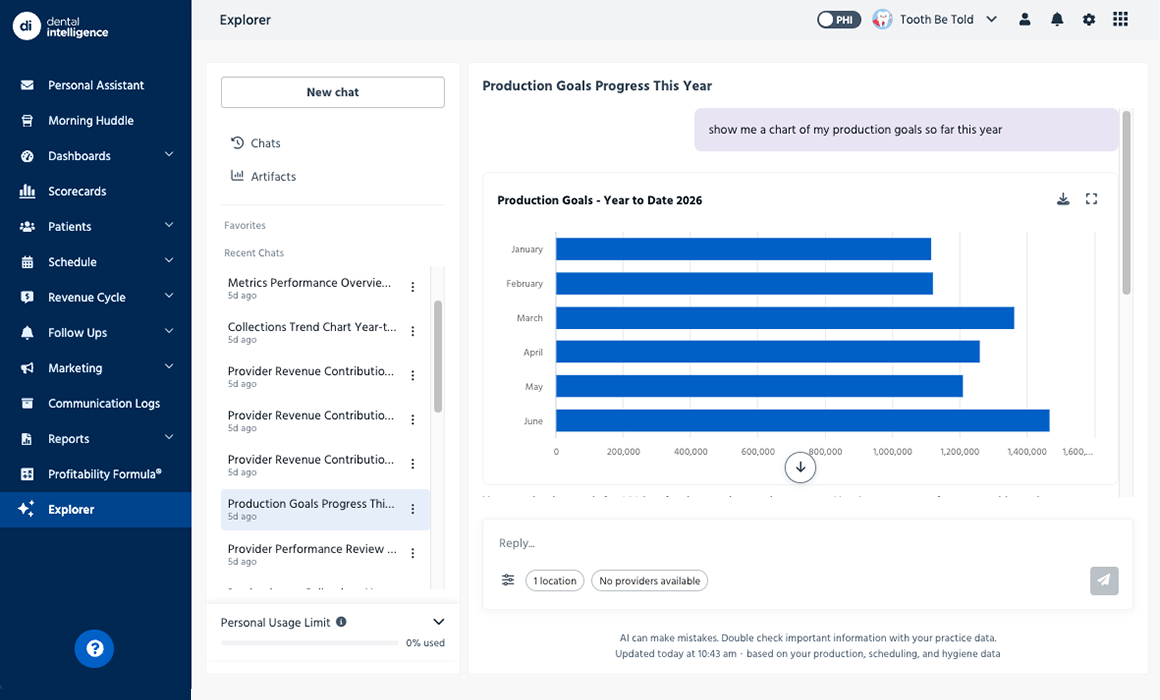
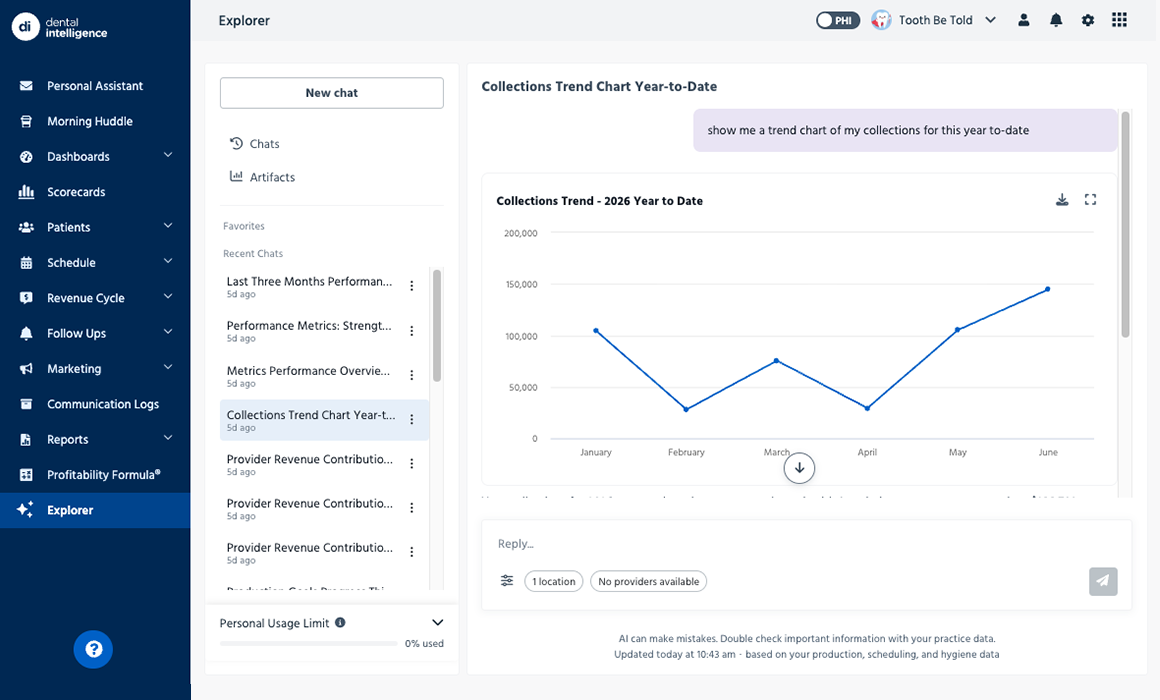
Explorer is the AI data assistant built securely inside Dental Intelligence. Ask about your practice the way you’d ask a colleague, and get clear, visual answers in seconds. No reports to run, no spreadsheets to build, and no special training required.

Schedule a demo to see how it works.

Get a Demo
Thank you! Your submission has been received!
Oops! Something went wrong while submitting the form.

Just ask a question. Explorer does the rest.

Step 1: Ask in plain English.

“What are the top 3 things that need my attention today?” “Which patients have the most unscheduled treatment?” Type it the way you’d say it out loud.

Step 2: Explorer reads your practice.

It pulls the data already living in your PMS and Dental Intelligence. You don’t have to export or upload sensitive information anywhere else.

Step 3: Get a clear answer.

Seconds later, you’ve got the explanation and a game plan ready to go.

Step 4: Take the next step.

Ask a follow-up, dig a layer deeper, or have Explorer turn the answer into an email or graph you can send.

Step 5: Get back to your patients.

The numbers are handled. Now you can focus on the people in your practice!

Step 6: Maybe clean the fish tank?

Explorer can’t handle that one.

More support for your team. More time for your patients.

You have the dashboards, scorecards, and reports. But do you have the hours (or team members) to sift through them and form an action plan? Now you do.  

Explorer closes that gap between data and decision-making. It does the digging so your team doesn’t have to, which means you can be free from spreadsheets and spend more time where it counts — with the people in your practice.  

Most tools show you the problem. Explorer helps you solve it.

Numbers alone aren’t enough. They don’t show you the “why” behind them, or what to do next, or how to explain it to your team. That’s why Dental Intelligence picks up exactly where the others stop. Just ask what’s going on, and you’ll get a simple explanation that points you toward the fix and hands you the next step.

Next steps handed to you in seconds.

Once Explorer finds your answer, it will build the thing you were going to spend the next hour making. A brief for the practice owner. A follow-up template for a chronically late patient. A growth report for prospective buyers. Just ask, and it’s done.You have the dashboards, scorecards, and reports. But do you have the hours (or team members) to sift through them and form an action plan? Now you do.  

More than one location? Explorer is your built-in analyst.

Why is one office pulling ahead of the others? What’s the high performer doing differently in scheduling, treatment planning, or collections? When every answer takes hours, growth slows down. Now you don’t have to pull reports for dozens of locations. Ask one question, in one place, and get one answer covering everyone.

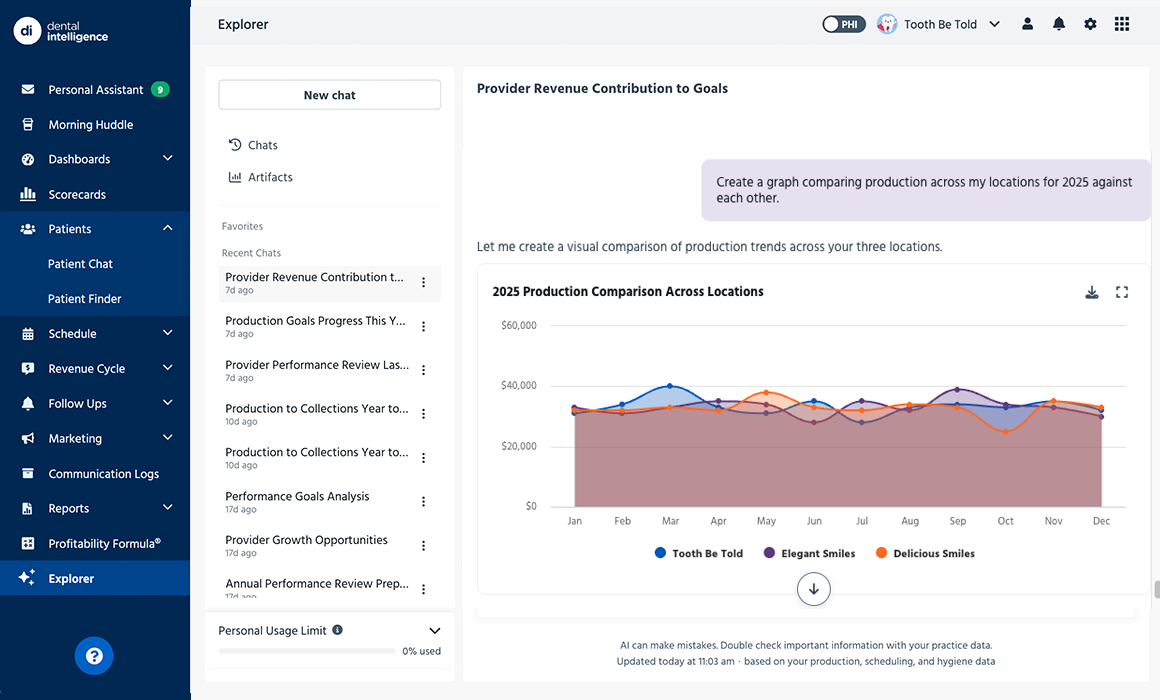
Dental Intelligence lets every location manager ask their own questions and get answers on the spot, with no waiting. You compare locations side by side, see what’s actually working, and lift the whole group instead of one office at a time.  

Powerful AI without compromising security

Stop pasting patient information into a public AI chatbot and asking it to spot the trend. The moment patient data lands in a general-purpose tool, you’ve got a potential HIPAA problem if a data leak should occur.  

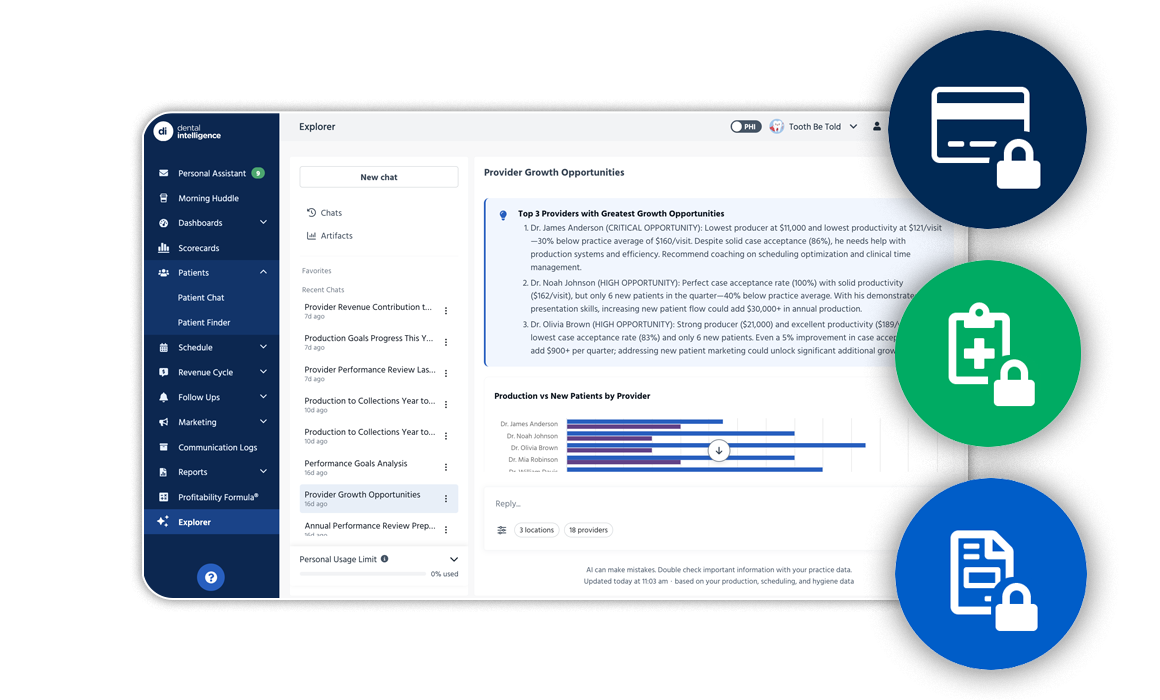
Explorer is built so that doubt never has to come up. It lives inside Dental Intelligence, and the data never leaves our system. It’s HIPAA-compliant by design, and you never have to copy or paste anything. You get the full power of AI without betting your patients’ privacy.

"We don’t feel like customers of Dental Intelligence. We feel like partners in growth.”

Shaun Schweitzer
Director of Marketing, Absolute Dental

Practice Smarter.™

Less digging. More Exploring.

See how Dental Intelligence turns your practice data into clear answers, so your team spends more time with patients and less time buried in reports.

Get a Demo
Thank you! Your submission has been received!
Oops! Something went wrong while submitting the form.
Frequently Asked Questions